Text to Image

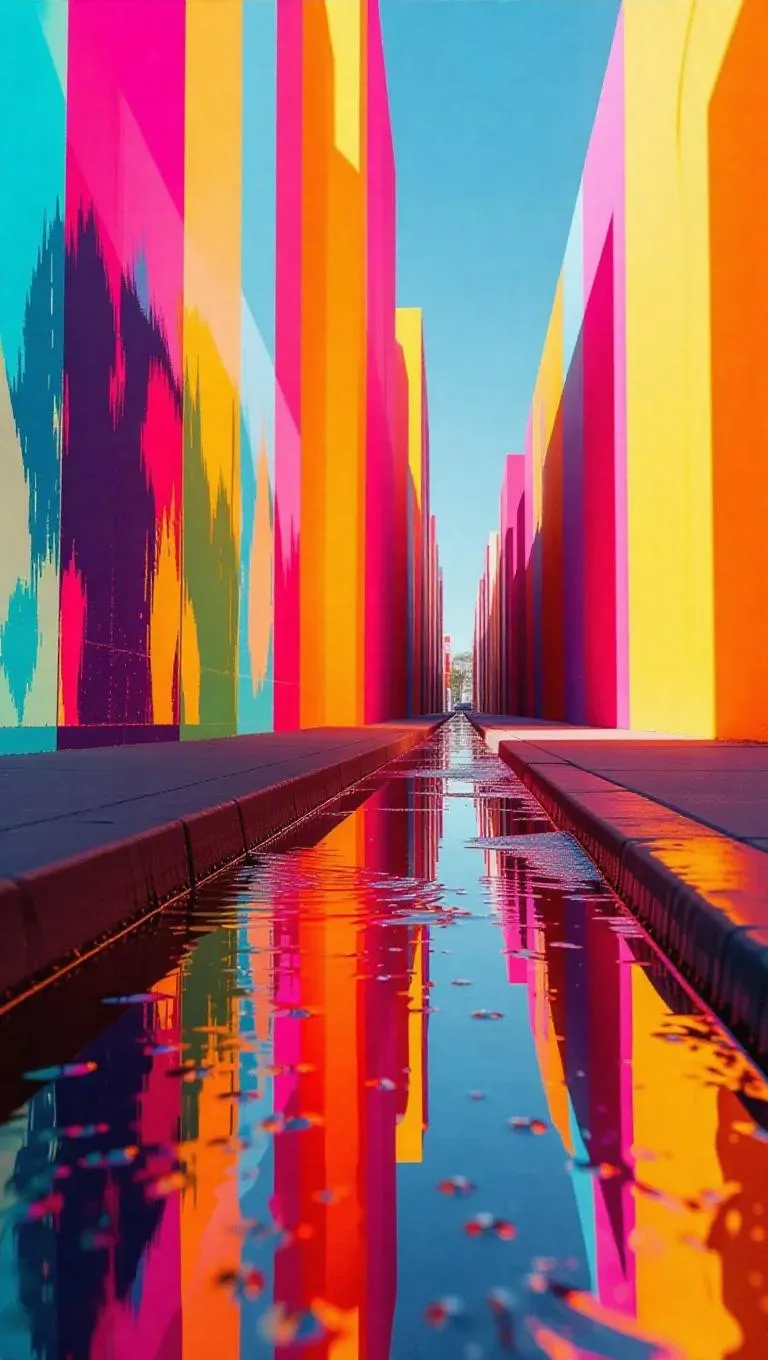
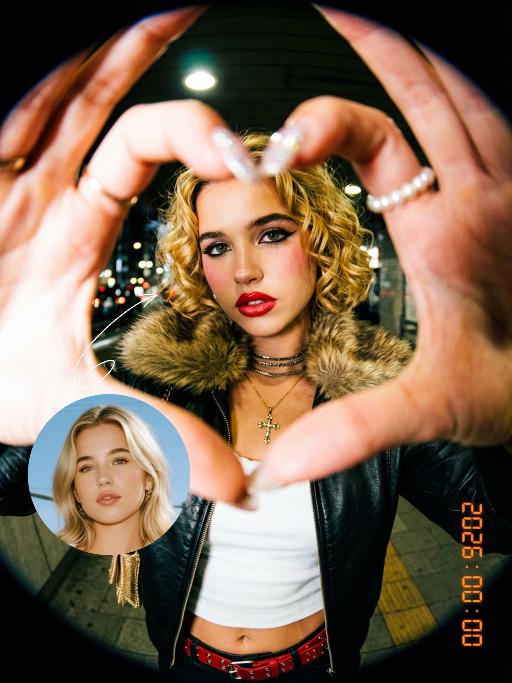
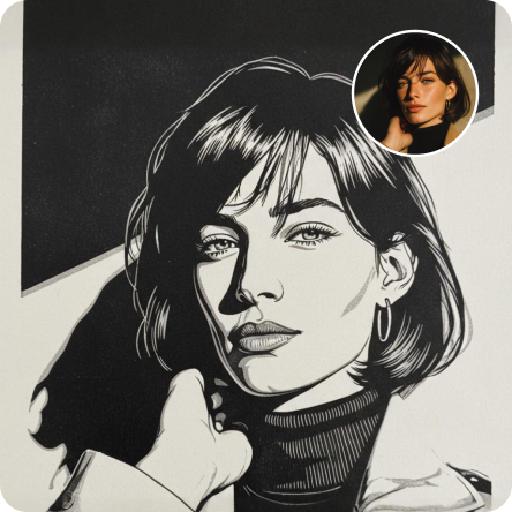
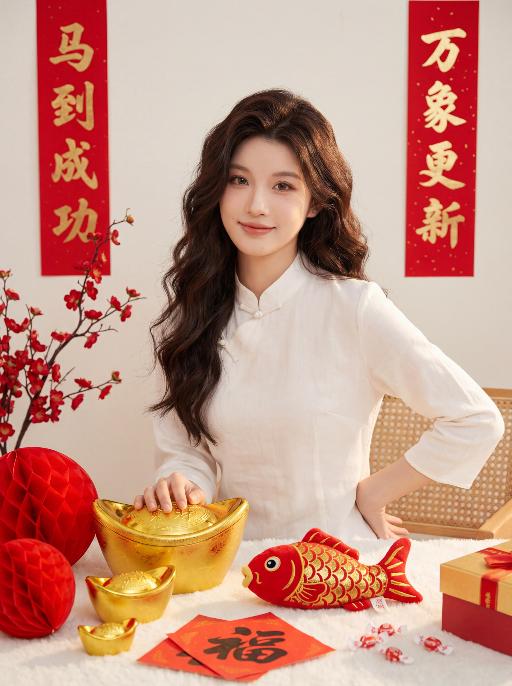
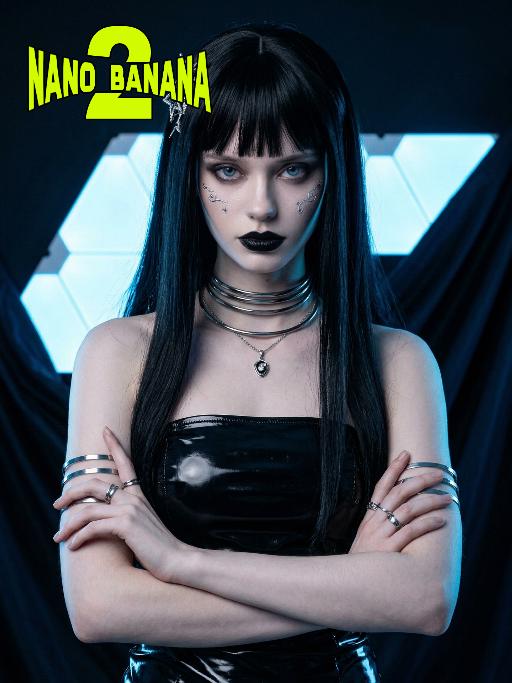
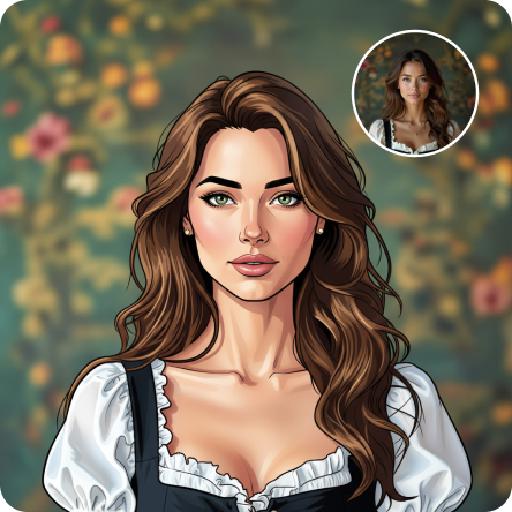
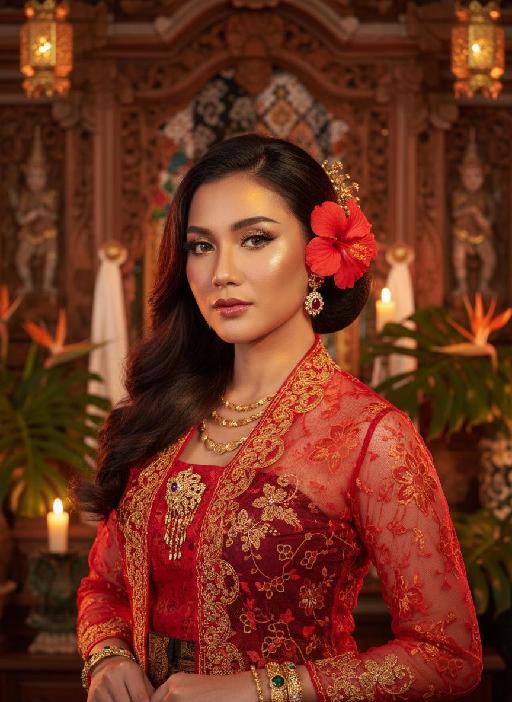
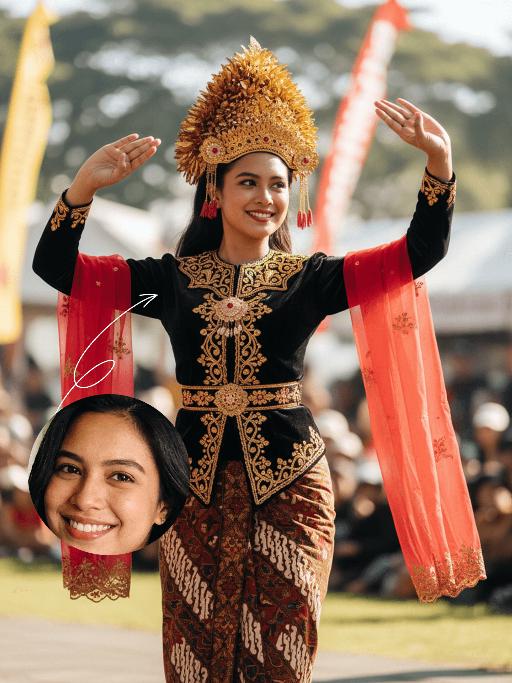
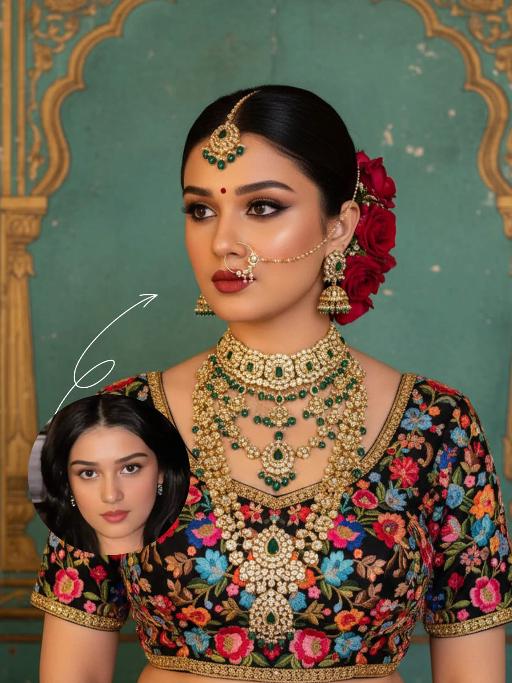
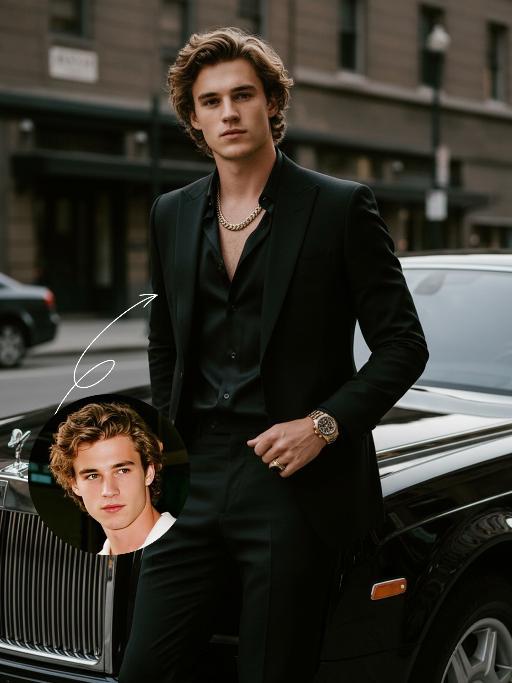
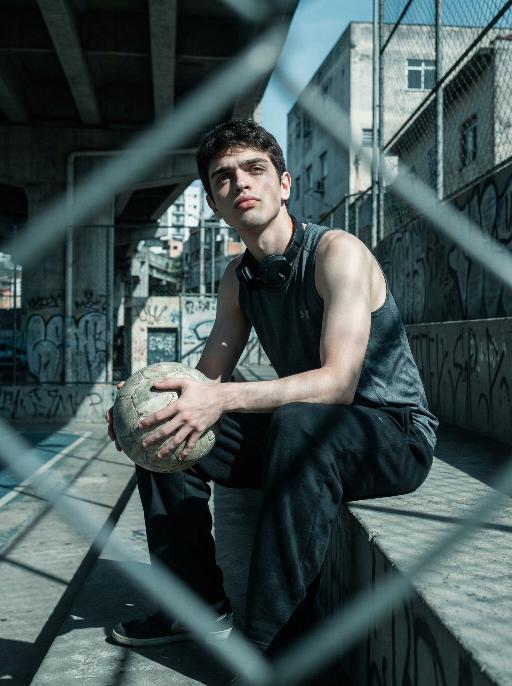
Transform your vision into surreal cityscapes with vivago.ai's AI effects. Generate psychedelic sidewalkscapes, liquid cartoon walls, and avant-garde abstract layers. Explore oil slick light art, peeling skies, and nature-inspired liquid visuals. Create vibrant, dynamic urban art with cutting-edge AI image generation tools.

Recreate
arrow
Text to Image

FAQs

How to generate images/videos from text prompts?

Describe the visual content in natural language (e.g., 'A cyberpunk cat wearing neon goggles') and our AI models will create outputs. Complex prompts trigger multi-stage NLP parsing for enhanced accuracy.

How to refine unsatisfactory results?

Use our Prompt Bot - an AI-powered optimizer that suggests technical modifiers. Simply describe your ideas, desired changes ('more metallic texture'), then you will get optimized prompt variants.

When should I use reference images?

Upload references to: 1) Guide character consistency (e.g., faces/outfits), 2) Control motion patterns in videos using our feature matching algorithm. Supports JPG/PNG

What's the credit system?

Daily login grants 100 credits. Upgrade options: 1) Premium Membership, 2) Credit Packs. Details: https://vivago.ai/subscribe

More From VIVAGO AI

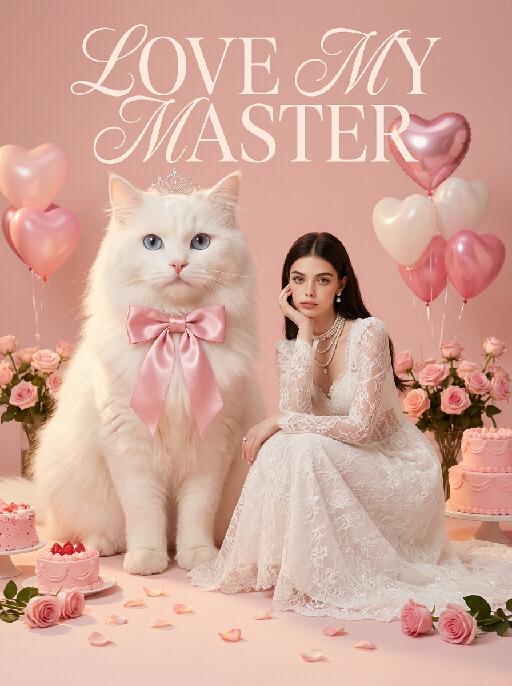
Princess AI effects generated image

Princess

Surreal photography art: In the uploaded picture, the pet (with its features remaining the same, but its size transformed into a huge one with fluffy fur, occupying the left side of the picture and wearing cute accessories), and a person in the uploaded picture (with unchanged facial features, gender, and age) wearing an exquisite white high-end custom dress (wearing delicate accessories), places their chin on their hand and sits slightly on the ground beside the aforementioned pet, with the proportion of the pet and the person in the picture being 1 to 1; the color scheme is pink, with a natural realistic style, a photography studio photography style, the background is a simple pale pink clean photography studio background surface, surrounded by pink cakes and roses, with princess-style, Valentine's Day elements such as heart-shaped decorative balloons, a realistic pet photography style. High-key, soft, bright light, soft diffused shadows, warm low saturation tones (mutton white, pink, warm orange), creating a warm, intimate romantic Valentine's Day atmosphere between the pet and the person, fashionable avant-garde photography art, realistic film-level realistic effect, with a large title artistic design font: LOVE MY MASTER

Chinese Child

Ultra-realistic 8K portrait photography in ancient Chinese style; the figure from the uploaded image (unchanged facial features, gender and age) is seated on a stone, with two braids adorned with pink hair accessories, wearing a pale pink Hanfu with exquisite dark blue embroidery, hands folded, smiling and looking at the camera. Beside the figure are a cute red fox (also looking at the camera), a mini pine tree and a lantern, captured from a horizontal perspective. The scene is lit by soft photographic lighting plus the warm glow of the lantern. Color palette: pale pink of the Hanfu, orange of the fox, dark green of the pine tree, with a magical and deep forest and pine woodland night scene as the background. The work features an ultra-realistic photographic style, art photography studio aesthetic, professional studio lighting, premium texture, avant-garde artistic photography, and cinematic-level image quality, with special effects of falling leaves and fluttering fireflies added.

Trendy Stickers AI effects generated image

Trendy Stickers

先将上传的图片扩图成3:4的2k超轻尺寸,然后在图片上加入创意涂鸦内容:不要使用固定元素,而是生成与您所识别的视觉主题相匹配的插画元素。如果是酷炫/前卫风格:可以使用箭头、螺栓、涂鸦标签、失真形状、广播盒或抽象的街头艺术怪兽。如果是可爱/甜蜜风格:可以使用独特的角色、心形、星星、糖果、闪光效果和圆形的有机形状。如果选择“虚幻”风格:运用流畅的线条、花瓣、天体以及神奇的漩涡元素。加入的元素风格:平面二维矢量图,粗犷的轮廓,类似贴纸的美感。鲜艳的色彩与写实照片形成对比或相得益彰。 画面的四个边角加入少量的短小的随机黑色动感的漫画式速度线条;人物的周围加上赛博的霓虹发光光效,人物的面部加入一个小涂鸦元素,人物的皮肤轻微磨皮,皮肤自然美颜效果,面部妆容改成欧美流行风格的自然写实的潮流的妆容;写实的人物与写实的场景风格保持不变。

Solar Queen AI effects generated image

Solar Queen

The character in the uploaded picture (unchanged facial features, gender and age). A striking young woman embodying an ancient Egyptian-inspired high-fashion model, captured in a hyper-realistic, cinematic full-body portrait. She has long, straight dark hair, a regal, intense gaze, and bold, dramatic Egyptian-style makeup. She wears an opulent, sun-inspired ensemble in black and gold. Her head is adorned with a massive, elaborate headdress featuring a central black and gold crown, surrounded by radiating golden sun rays, creating a divine, solar aura. Her upper body is clad in a form-fitting, halter-style bodysuit with a deep, intricate cutout at the chest, crafted from black fabric and embellished with countless golden metallic plates, beads, and gemstones, forming geometric and hieroglyphic-inspired patterns. The bodysuit transitions into a high-slit skirt of the same black and gold design, cascading down her legs, revealing her thigh. She wears large, dangling golden earrings, multiple layered golden necklaces, and a detailed golden arm cuff on her right arm, from which a flowing black and gold fabric drapes. She walks forward with a confident, regal stride, her posture upright and commanding, radiating power, divine authority, and ancient mystique. The setting is a high-fashion runway set within a grand, sun-drenched ancient Egyptian courtyard. Massive stone columns and palm trees rise in the background, bathed in the warm, golden light of the setting sun, which creates a hazy, ethereal glow. Indistinct figures of other models in similar attire follow in the background, enhancing the sense of a grand procession. The image is rendered in a hyper-realistic, high-fashion editorial style, with sharp focus on the subject, soft bokeh on the background, and dramatic, cinematic lighting that accentuates the metallic sheen of the gold, the texture of the black fabric, and the intricate details of the headdress and embellishments. The color palette is rich and opulent, featuring deep blacks, radiant golds, and warm, sunlit tones, creating a timeless, powerful, and awe-inspiring atmosphere. The overall aesthetic is detailed, lifelike, and reminiscent of a cutting-edge fashion show set in ancient Egypt, blending historical grandeur with modern high fashion

Jungle AI effects generated image

Jungle

The character in the uploaded picture (unchanged facial features, gender and age). A striking woman embodying the persona of Cleopatra, captured in a close-up medium shot . She sits regally on a large, dark grey rock in a lush, tropical jungle, her body angled gracefully to accentuate her figure. She has a sleek black bob haircut with blunt bangs, a captivating gaze, and a regal, alluring expression. She wears a form-fitting leopard-print spaghetti-strap dress with a deep V-neckline and a high slit, accentuating her figure. Around her neck, she wears a bold, large silver choker necklace, and matching large silver hoop earrings dangle from her ears. She also wears gold bracelets on both wrists. She sits with one leg crossed over the other, one hand resting lightly on the rock beside her, the other on her knee, exuding a sense of poised elegance and allure. The rock is situated in a shallow pool of water, with large green lily pads floating on the surface, and delicate golden leaves scattered across the water. The background is filled with dense, vibrant green tropical foliage (like palm fronds and broad-leafed ferns), creating a lush, mysterious atmosphere. At the top of the image, the word "CLEOPATRA" is displayed in an elegant, golden serif font. The letter "O" is replaced by a golden scarab symbol, and the letter "T" is topped with a golden ankh symbol. The image is rendered in a cinematic, fantasy art style, with dramatic, high-contrast lighting that highlights the texture of the leopard-print dress, the metallic sheen of the silver jewelry, and the richness of the green jungle. The color palette is rich and saturated, featuring deep greens, warm golds, and the bold pattern of the leopard print, creating a mysterious, regal, and timeless atmosphere. The overall aesthetic is detailed, evocative, and reminiscent of a fantasy movie poster

Blue Ocean AI effects generated image

Blue Ocean

Strictly lock the facial features of the uploaded portrait (completely preserve facial contours, native skin tone, hairstyle and age); young girl with light golden long curly hair, Korean sweet style looks, delicate facial features with clear nude makeup and light pink blush, gentle and lively eyes, smiling and looking back sideways, hair fluttering in the sea breeze; wearing a light pink lace halter tulle dress with a flowing skirt and pink ribbons fluttering in the wind; background is the blue Erhai Lake/seaside, sparkling sea with white waves, fluffy white clouds in the sky, flocks of seagulls flying freely, light cyan mountains in the distance; overall fresh and healing seaside atmosphere photo, soft and transparent natural light, high saturation fresh tones, cinematic lighting, motion blur (seagulls/hair), full of details, 8K ultra-clear, realistic human photography, flawless, Japanese fresh + Korean pictorial style

Elegant AI effects generated image

Elegant

Use the exact same facial features, gender, and age as the uploaded image.Studio portrait, half-body shot. standing sideways, holding a vibrant orange tulip gently against the cheek. Wearing a light beige trench coat with a structured collar, adorned with delicate sparkling floral earrings. The background is a smooth cool blue gradient, creating a minimalist and sophisticated atmosphere.Soft warm side lighting casts gentle shadows on the face, highlighting the skin texture and the luster of the tulip petals. Medium close-up composition, focusing on the calm and gentle expression of the subject, as well as the strong color contrast between the warm tones of the flower and clothing against the cool background. The image features cinematic color grading, high detail, and ultra-realistic quality. The text “TRIBUTE TO WOMEN” is artistically integrated into the upper left corner as stylized art font, harmonizing with the portrait’s elegant tone without overwhelming the visual.

Love Yourself AI effects generated image

Love Yourself

A charming and alluring figure in the uploaded picture (with unchanged facial features, gender and age), stands sideways and turns around, looking at the camera. She has long, fluffy, jet-black curly hair, exquisite eye makeup and a bright matte red lipstick. Red lipstick marks are all over her face, neck, chest and arms. She is wearing a luxurious deep V-neck red satin dress. One hand holds a heart-shaped box filled with various colored roses, and the other hand holds a rose placed near her mouth. Background: A dark red velvet texture studio background. Several red rose petals float slowly in the air in the background. Lighting hint: Low-key high-contrast dramatic light, soft directional highlights shining on her facial features and the satin dress, deep velvet-like shadows to enhance the sexy effect, with a cinematic sense of melancholy and depth. Tone hint: Rich, saturated deep red contrasts with dark black and soft charcoal gray, warm and passionate color combination, with subtle velvet texture in the shadow areas. Style: High-end fashion editing photography, highly realistic detail depiction, precise capture of skin texture and fabric luster, full of charm and allure Valentine's Day theme, with professional photography studio level, fashion pioneer photography.

Figure AI effects generated image

Figure

Create a 1/7 scale commercialized figure of the character in the illustration, in a realistic style and environment. Render the exact hairstyle and the same outfit with the uploaded figure. Render garments as molded plastic with engraved seams and sculpted folds; keep accessories as plastic parts. Fictionalize any brand text/logos while keeping layout and colors. Place the figure on a computer desk, using a circular transparent acrylic base without any text. On the Apple computer screen, display the Z Brush modeling process of the figure. Next to the Apple computer screen, place a BANDAl-style toy packaging box printed with the original artwork. The background shows a modern realistic room furnished with contemporary furniture, including a display cabinet filled with books, dolls, and scale figures, adding a casual and everyday atmosphere. Behind the Apple computer, place a desk lamp to add detail and depth to the scene.

Float Toast AI effects generated image

Float Toast

The character in the uploaded picture (unchanged facial features, gender and age). with short dark hair, light stubble, strong jawline, expressive eyebrows, and a bright confident smile, facing the camera directly. standing triumphantly on a Carnival float at night, raising a champagne flute high in celebration. wears a black leather cropped jacket decorated with gold studs and spikes, partially open at the chest, paired with fitted black pants and a wide ornate gold belt with intricate detailing. Black-and-gold feathered accents decorate hips, and large golden and white feathers extend dramatically from shoulders.Behind is a massive cheering Carnival crowd, hands raised in excitement. Fireworks explode in the dark night sky. Powerful golden stage lights beam across the scene, creating dramatic rim lighting and warm highlights. A blue LED-lit railing frames the foreground. The atmosphere is electrifying, luxurious, and celebratory. High-resolution cinematic photography, dramatic lighting, ultra-sharp focus, shallow depth of field, rich saturated colors, dynamic contrast, professional festival photography, 85mm lens, f/1.8, HDR, ultra-detailed skin texture

On the water

Use the uploaded portrait for strict facial features, gender, skin color, pupil color, clothing, hairstyle and gender locking. Select the main characters from the uploaded pictures. Have a natural expression, face the camera, and show a relaxed state. The camera suddenly switches from the front to the back of the character, changing from a frontal shot to a rear shot. Action: Face the camera, maintain a natural expression, suddenly turn around and leap, run on the water surface, as if possessing Chinese martial arts skills. When the character starts flying, the posture is to spread both arms and be in a flying state. The camera follows the character running on the water surface. The scene becomes a vast sea level, with a dreamy and beautiful scenery, with clouds and the sky in the distance.

Load more

Next-Gen Multi-Model AI Video Architecture

Vivago AI isn't just one engine—it’s a unified hub for the world’s most advanced video AI. Whether you need cinematic realism or high-speed social content, we provide the right model for your creative vision.

Free Generate

Beauty and Dolphins

Vacation Time

Stellar Tear

Fish Tank Supervisor

Cinematic Quality & Precision Control

Enables 4K resolution with multi-lens motion control, generating delicate scene via text prompts for customized cinematography.​

TRY NOW

Dynamic AV Sync

Auto-generates original audio to avoid copyright issues. Build 3D immersive environments through layered sound design automatically.

TRY NOW

OpenAI Sora 2

​Advanced visual storytelling with unparalleled physics and consistency.

TRY NOW

Kling v2.6 Pro

Industry-leading cinematic image animation and motion control.

TRY NOW

Google Veo 3 & 3.1

Ultra-fast generation with enhanced realism for creative workflows.

TRY NOW

Vivago AI 2.0

Our proprietary model optimized for efficiency, speed, and cost-effective generation.

TRY NOW

Users' Voice

We listen carefully to the opinions of every user.
Free Generate
Contact Us
I tried the Lip Sync feature inside Vivago.ai’s AI Video Generator for my educational podcast, and the results were stunning! The avatar's lip movements perfectly matched my audio recording, creating a professional AI-generated video without complex editing. Compared with tools like OpenAI Sora 2 and Google Veo 3.1, Vivago Image-to-Video delivers fast, studio-quality results online. It saved me hours of post-production work.

ElenaM (Spain)
Vivago’s Image-to-Video AI transformed my marketing workflow. I uploaded a product image and described the launch scene in text, and it generated a 10-second cinematic AI video with background music and dynamic visuals. The output quality rivals Kling v2.6 Pro and Google Veo 3 Fast. It’s now my go-to AI video generator for social media ads and product campaigns.
KenjiT (Japan)
As a digital artist, I use Vivago.ai 2.0 daily for Image-to-Image and AI Image-to-Video creation. The e-book covers and animated visuals I generate for clients look cinematic and professional. Unlike many standalone AI tools, Vivago integrates multiple leading models into one platform, making it easier to create copyright-safe AI images and videos for publishing.
ChenL (China)
I tried the Lip Sync feature inside Vivago.ai’s AI Video Generator for my educational podcast, and the results were stunning! The avatar's lip movements perfectly matched my audio recording, creating a professional AI-generated video without complex editing. Compared with tools like OpenAI Sora 2 and Google Veo 3.1, Vivago Image-to-Video delivers fast, studio-quality results online. It saved me hours of post-production work.
ElenaM (Spain)
Vivago’s Image-to-Video AI transformed my marketing workflow. I uploaded a product image and described the launch scene in text, and it generated a 10-second cinematic AI video with background music and dynamic visuals. The output quality rivals Kling v2.6 Pro and Google Veo 3 Fast. It’s now my go-to AI video generator for social media ads and product campaigns.
KenjiT (Japan)
As a digital artist, I use Vivago.ai 2.0 daily for Image-to-Image and AI Image-to-Video creation. The e-book covers and animated visuals I generate for clients look cinematic and professional. Unlike many standalone AI tools, Vivago integrates multiple leading models into one platform, making it easier to create copyright-safe AI images and videos for publishing.
ChenL (China)
I absolutely love Vivago’s AI Image-to-Video Generator. As a travel blogger, static images often fail to capture real atmosphere, but Vivago helps me turn photos into vivid cinematic AI videos with motion effects. It feels comparable to OpenAI Sora 2 and Google Veo 3.1, but more accessible and faster for creators who need high-quality AI videos online.
LiamK (Australia)
I tried the Lip Sync feature inside Vivago.ai’s AI Video Generator for my educational podcast, and the results were stunning! The avatar's lip movements perfectly matched my audio recording, creating a professional AI-generated video without complex editing. Compared with tools like OpenAI Sora 2 and Google Veo 3.1, Vivago Image-to-Video delivers fast, studio-quality results online. It saved me hours of post-production work.
ElenaM (Spain)
Vivago’s Image-to-Video AI transformed my marketing workflow. I uploaded a product image and described the launch scene in text, and it generated a 10-second cinematic AI video with background music and dynamic visuals. The output quality rivals Kling v2.6 Pro and Google Veo 3 Fast. It’s now my go-to AI video generator for social media ads and product campaigns.
KenjiT (Japan)
As a digital artist, I use Vivago.ai 2.0 daily for Image-to-Image and AI Image-to-Video creation. The e-book covers and animated visuals I generate for clients look cinematic and professional. Unlike many standalone AI tools, Vivago integrates multiple leading models into one platform, making it easier to create copyright-safe AI images and videos for publishing.
ChenL (China)
I absolutely love Vivago’s AI Image-to-Video Generator. As a travel blogger, static images often fail to capture real atmosphere, but Vivago helps me turn photos into vivid cinematic AI videos with motion effects. It feels comparable to OpenAI Sora 2 and Google Veo 3.1, but more accessible and faster for creators who need high-quality AI videos online.
LiamK (Australia)
Using Vivago.ai’s Image-to-Video AI has greatly enhanced my classroom teaching. I transform textbook notes into historical AI videos with cinematic filters and dynamic animations. Compared with tools like Kling v2.6 Pro and Google Veo 3 Fast, Vivago offers faster generation and easier parameter control for educators who need reliable AI video creation.
RajivG (India)
I frequently create AI videos on Vivago and publish them on TikTok and YouTube Shorts. The AI video templates and trending content ideas help me produce viral-ready clips quickly. With Vivago’s integrated models—including advanced video engines similar to OpenAI Sora 2—I can generate anime-style and cinematic social media videos that drive high engagement.
MarieJ (Spain)
What attracts me most about Vivago.ai is not only the powerful AI Video Generator but also the active AIGC creator community. It combines AI Image-to-Video, Text-to-Video, and leading model integrations like Google Veo 3.1 into one creative platform.
TomW (India)
At first, I was hesitant about using AI video tools. But after trying Vivago Image-to-Video, I realized how easy it is to create professional AI-generated videos online. I just upload an image, add a short prompt, and adjust a few settings. The results are cinematic and copyright-safe, which is essential for commercial projects.
HectorC (Mexico)
Using Vivago.ai’s Image-to-Video AI has greatly enhanced my classroom teaching. I transform textbook notes into historical AI videos with cinematic filters and dynamic animations. Compared with tools like Kling v2.6 Pro and Google Veo 3 Fast, Vivago offers faster generation and easier parameter control for educators who need reliable AI video creation.
RajivG (India)
I frequently create AI videos on Vivago and publish them on TikTok and YouTube Shorts. The AI video templates and trending content ideas help me produce viral-ready clips quickly. With Vivago’s integrated models—including advanced video engines similar to OpenAI Sora 2—I can generate anime-style and cinematic social media videos that drive high engagement.
MarieJ (Spain)
What attracts me most about Vivago.ai is not only the powerful AI Video Generator but also the active AIGC creator community. It combines AI Image-to-Video, Text-to-Video, and leading model integrations like Google Veo 3.1 into one creative platform.
TomW (India)
At first, I was hesitant about using AI video tools. But after trying Vivago Image-to-Video, I realized how easy it is to create professional AI-generated videos online. I just upload an image, add a short prompt, and adjust a few settings. The results are cinematic and copyright-safe, which is essential for commercial projects.
HectorC (Mexico)