Don’t Look Back



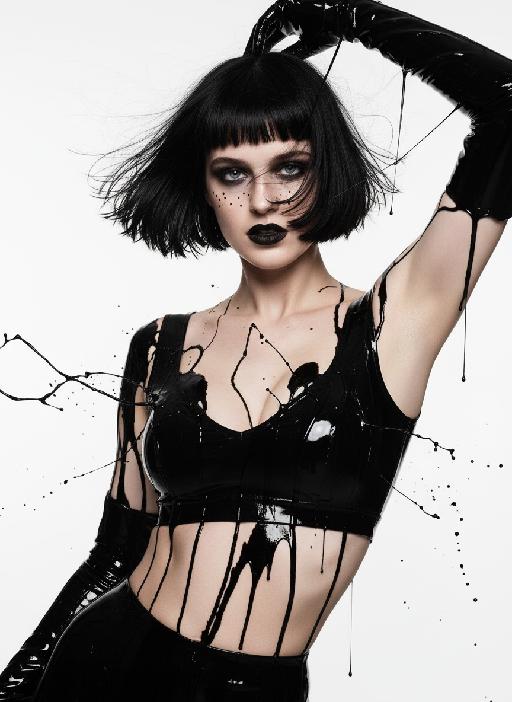
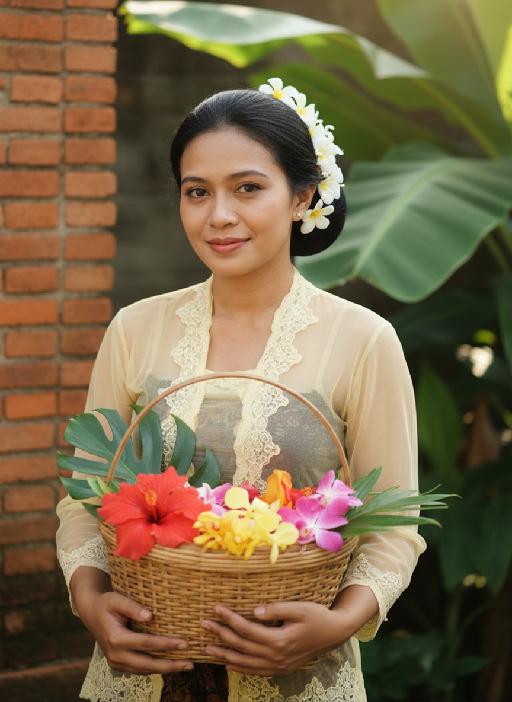
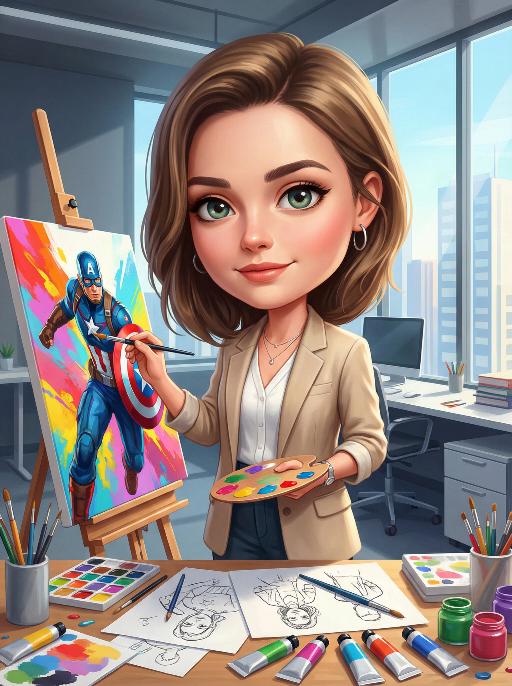
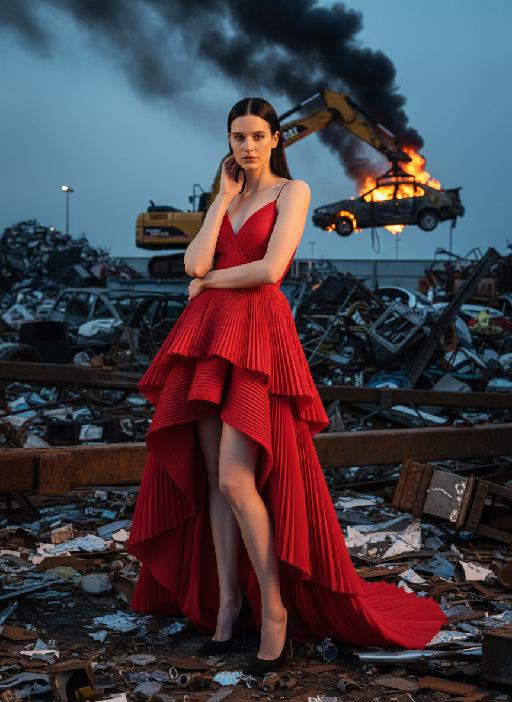
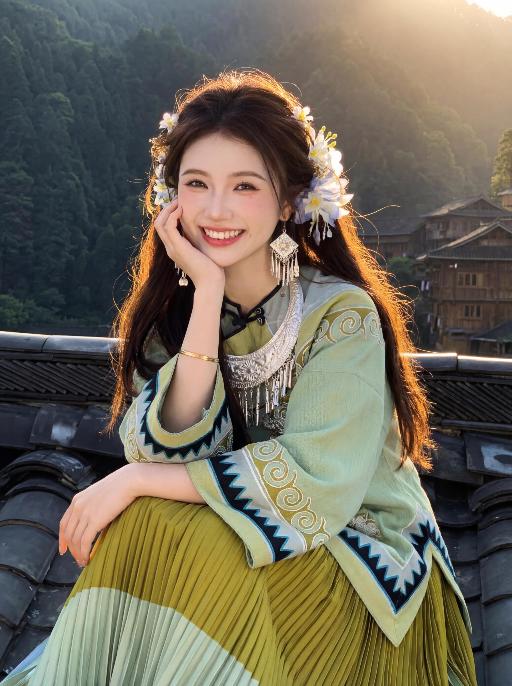
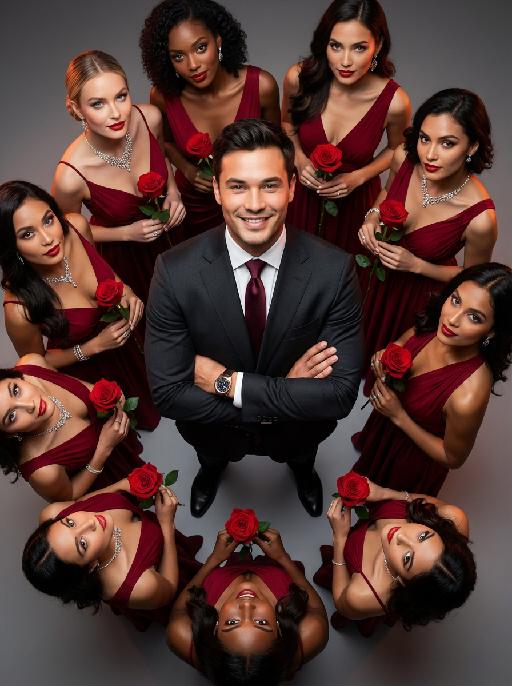
Enter a magical fantasy world with AI portrait effects. Transform your photo into epic fantasy AI art free on Vivago AI.

Use Template
arrow

FAQs

What are Effect Templates?

Effect Templates are predefined AI workflows that automatically transform static images into specific visual styles or animated formats, delivering consistent, high-quality results without manual adjustments.

How do I apply Effect Templates?

Select your preferred template > Upload an image > Generate. No text prompts required - templates handle all style parameters.

Where can I find more templates?

Explore 1000+ curated templates in our Explore Hub: https://vivago.ai/studio. New templates added weekly across categories.

What's the pricing?

Daily login grants 100 free credits. Exhausted credits? Choose: 1) Subscribe a membership plan, 2) Get a credit pack. Details: https://vivago.ai/subscribe

More From VIVAGO AI

Temple Rise AI effects generated image

Temple Rise

"High-end urban fashion editorial photography, photorealistic, ultra-detailed, 8K resolution, low-angle perspective. Voluminous straight brown hair, wearing a black newsboy cap, bright green sleeveless textured mini dress, and black over-the-knee suede boots. Sitting perched on the stone cornice of a grand neoclassical church (St. Mary le Strand, London), one hand resting on the ledge, legs extended forward with one crossed over the other, gaze directed upward and to the side, bold red lipstick. Background: iconic white stone church with tall columns and a clock tower, vivid teal blue sky with wispy clouds, distant London street elements (black taxi, pedestrians, historic buildings) in soft focus. Lighting: bright natural daylight with crisp shadows, high contrast teal-and-orange color grading, warm highlights on skin and green fabric, cool blue tones in the sky, dramatic low-angle light emphasizing the figure's height. Style: bold retro fashion aesthetic, cinematic film grain, shallow depth of field (focus on the figure, slightly blurred architectural background), sharp textures of suede, lace, and stone, confident and edgy vibe, shot with a professional wide-angle lens. "

Darkroom Flash AI effects generated image

Darkroom Flash

Subject & Makeup: The figure from the uploaded image (unchanged facial features) with a cold and natural expression and a light, translucent makeup look; Shooting & Atmosphere: soft pink blush on the apples of the cheeks, nude pink lip gloss, long and curled false eyelashes, natural eyebrow shape; taking a selfie with a Canon retro point-and-shoot camera, with the camera’s flash shining directly into the lens (creating a distinct white lens flare), shot from a selfie perspective in front of an indoor mirror; a dim everyday room background (blurred furniture and decorations), a relaxed edgy-sweet portrait style, dark natural color tones, film photography texture, a retro natural film filter and film grain; Detail Embellishments: add an orange digital date watermark (2026.00.00) plus a small starburst decoration at the bottom right corner.

With Newton AI effects generated image

With Newton

This is a highly hyper-realistic group portrait of Isaac Newton taking a photo with the person in the reference image. The outfit, styling and facial features of the person in the image remain completely unchanged. Isaac Newton is dressed in 17th-century attire, wearing a curly wig and a velvet robe, standing with a focused expression on a modern city street featuring New York sidewalks, neon signboards, and pedestrians in casual clothing. An apple floats mid-air between Newton and the person in the image, who is smiling and pointing toward the apple. The scene features cinematic lighting with soft sunset afterglow, shallow depth of field, lifelike skin textures, finely rendered fabric folds, and a slightly blurred urban background, blending European and American aesthetic styles.

Ocean Floating  AI effects generated image

Ocean Floating

"Strictly preserve the subject's exact appearance, features, fur/skin texture, clothing, accessories, and overall look from the reference image, with NO modifications. The subject sits cross-legged in an intact small wooden rowboat on the choppy ocean, with no waves inside the boat, hands clasped, looking up into the rainy sky. A large ship looms in the background, surrounded by powerful crashing waves, rolling swells, splashing sea foam, and dynamic turbulent water details under a moody, overcast sky with falling rain. Photorealistic cinematic style, hyper-detailed textures of water, wood, fabric, foam and waves, 8K resolution, dramatic moody lighting, shallow depth of field, atmospheric rain effects, tense yet calm mood, smooth natural movements, no changes to the subject's appearance or clothing. "

Noble Girl AI effects generated image

Noble Girl

Drawing on the facial features, facial proportion, hair styling direction, skin tone and age range of the uploaded avatar (with no emphasis on modern identity traits), the overall temperament is reimagined as that of a noble Victorian lady of the 19th century. The composition frames the figure from the top of the head to just below the chest, with the shot pulled back slightly and the subject occupying a relatively small portion of the frame. The height of the head accounts for approximately a quarter of the total frame height, positioned in the lower-middle area with natural proportions and no stretching or distortion, presenting an elegant and solemn classical portrait composition. She sits in a dignified and upright posture, her head turned gently to the right with her face in a three-quarter view and her chin slightly tucked. Her eyes are almost directly facing the camera, her gaze calm and restrained, reserved and introverted; her expression is solemn yet elegant, her lips naturally closed, and her facial features are distinct with well-proportioned contours. She wears an exquisite Victorian noble wide-brimmed hat that conforms to the aesthetic of European high society in the 19th century, crafted from pieced cream or ivory lace and fabric. The brim is adorned with delicate lace, ribbons and small ornaments, its structure elegantly intricate yet understated. Her hair is styled into a classic feminine coiffure of the same era, with soft, natural strands; a few curled tresses fall beside her temples and cheeks, blending seamlessly with the hat, boasting a delicate texture with a realistic sheen. She is dressed in a historically authentic Victorian court-style gown, featuring a high neckline that fits closely to the neck and a structured corseted bodice. The fabric is selected from silk, lace or brocade, in hues of cream, pale champagne or ivory. The cuffs, neckline and bust are embellished with elaborate lace and decorative details, with a precise cut and rich layering that fully embodies noble bearing. One of her hands is naturally raised near her face or gently resting on her chest, her fingers posed in an elegant and restrained manner. She adorns herself with a pearl ring or classical court-style jewelry, the ornaments understated and exquisite, in perfect harmony with the overall aesthetic. The lighting adopts the style of European classical court portrait painting: the key light shines softly from the upper left of the frame, with the subject’s face and upper body as the visual focal point, while the background is bathed in softer, dimmer light. The light and shadow contrast is clear with delicate gradations, recreating the light and texture of 19th-century academic and court portrait paintings. The background is set as a palace-style interior space, where the outlines of decorated walls, drapery and classical furniture can be faintly seen. The details are rendered in an understated way so as not to distract from the subject, and the background is softly blurred, creating a solemn and elegant aristocratic atmosphere. The entire image fuses ultra-realistic photography with the style of European classical oil painting, boasting a stable composition, ample negative space, rich textures and exquisite details. The low-saturation color palette is imbued with a retro charm, presenting a museum-grade visual effect of a court portrait—elegant, grand and historically authentic. It adheres to a vintage portrait photography style.

Goldfish AI effects generated image

Goldfish

Underwater scene inside a large ecological fish tank, featuring the figure from the uploaded image (unchanged facial features, age and gender) with faint small freckles on the cheeks. Their hair floats and fans out in soft curls due to water buoyancy, with tiny water droplets clinging to the tips. Expression: Gaze fixed on the camera, lips slightly parted with a subtle breathy quality; eyebrows droop gently, conveying alienation and loneliness, with a taut jawline. Attire: Exquisitely tailored high-end summer couture, the fabric forming natural folds from water buoyancy, paired with sophisticated and delicate accessories. Composition: Close-up facial shot (the figure’s face occupies 80% of the frame). Multiple large orange-white/silver-white goldfish nuzzle the cheeks and circle the hair tips in an interactive way, with tiny air bubbles rising slowly beside the figure’s profile. Goldfish swim in the foreground with a blurred effect, and water ripples blur and smudge softly in the background. Shooting Angle: Eye-level close-up underwater perspective, with the lens positioned 3cm below the water surface to capture the broken light spots refracted by the water. Light & Shadow: Kodak Portra 400 film texture with fine yet distinct film grain and slight vignetting. Soft diffused cool cyan-green light filters through the underwater environment, with diamond-shaped light spots piercing through the water surface; weak light and shadow contrast yet gentle layered tones, with edges slightly blurred and smudged. Color Palette: A base of low-saturation dark tones (deep cyan + jet black + grayish green), accented by the warm orange-white/silver-white of the goldfish. A retro film tone with a subtle cyan-yellow cast, creating an overall hazy and lonely atmosphere, with striking contrast between light and shadow underwater.

Simple Black AI effects generated image

Simple Black

Extreme close-up portrait,Head and shoulders close-up portrait (shot precisely to the chest): Shot by professional fashion editors and photographers, with an upscale and luxurious style. The person in the uploaded picture (with their facial features, gender, hairstyle and age remaining unchanged), has a refined makeup, elegant and generous accessories, is smiling naturally, wearing a well-tailored dark black luxurious suit (a fashionable and avant-garde professional workwear style), a pure white silk shirt, one hand in the pocket, with a confident and sharp expression, a dignified and powerful posture. This photo is a product of the Japanese high-end photography style, using soft diffused film-like lighting, delicate contour lighting, transparent and hazy dark gray studio background, low-key and exquisite color palette, ultra-fine skin texture (using Japanese-style clear photo editing processing), clear and prominent facial features and suit fabric, 8K ultra-high-definition quality, professional fashion photography, elegant and powerful aura, simple high-end aesthetics, subtle 35mm film grain.

Load more

Next-Gen Multi-Model AI Video Architecture

Vivago AI isn't just one engine—it’s a unified hub for the world’s most advanced video AI. Whether you need cinematic realism or high-speed social content, we provide the right model for your creative vision.
Free Generate


Beauty and Dolphins

Vacation Time

Stellar Tear

Fish Tank Supervisor

Cinematic Quality & Precision Control

Enables 4K resolution with multi-lens motion control, generating delicate scene via text prompts for customized cinematography.​

TRY NOW

Dynamic AV Sync

Auto-generates original audio to avoid copyright issues. Build 3D immersive environments through layered sound design automatically.

TRY NOW

OpenAI Sora 2

​Advanced visual storytelling with unparalleled physics and consistency.

TRY NOW

Kling v2.6 Pro

Industry-leading cinematic image animation and motion control.

TRY NOW

Google Veo 3 & 3.1

Ultra-fast generation with enhanced realism for creative workflows.

TRY NOW

Vivago AI 2.0

Our proprietary model optimized for efficiency, speed, and cost-effective generation.
TRY NOW

Users' Voice

We listen carefully to the opinions of every user.
Free Generate
Contact Us
I tried the Lip Sync feature inside Vivago.ai’s AI Video Generator for my educational podcast, and the results were stunning! The avatar's lip movements perfectly matched my audio recording, creating a professional AI-generated video without complex editing. Compared with tools like OpenAI Sora 2 and Google Veo 3.1, Vivago Image-to-Video delivers fast, studio-quality results online. It saved me hours of post-production work.
ElenaM (Spain)
Vivago’s Image-to-Video AI transformed my marketing workflow. I uploaded a product image and described the launch scene in text, and it generated a 10-second cinematic AI video with background music and dynamic visuals. The output quality rivals Kling v2.6 Pro and Google Veo 3 Fast. It’s now my go-to AI video generator for social media ads and product campaigns.
KenjiT (Japan)
As a digital artist, I use Vivago.ai 2.0 daily for Image-to-Image and AI Image-to-Video creation. The e-book covers and animated visuals I generate for clients look cinematic and professional. Unlike many standalone AI tools, Vivago integrates multiple leading models into one platform, making it easier to create copyright-safe AI images and videos for publishing.
ChenL (China)
I tried the Lip Sync feature inside Vivago.ai’s AI Video Generator for my educational podcast, and the results were stunning! The avatar's lip movements perfectly matched my audio recording, creating a professional AI-generated video without complex editing. Compared with tools like OpenAI Sora 2 and Google Veo 3.1, Vivago Image-to-Video delivers fast, studio-quality results online. It saved me hours of post-production work.
ElenaM (Spain)
Vivago’s Image-to-Video AI transformed my marketing workflow. I uploaded a product image and described the launch scene in text, and it generated a 10-second cinematic AI video with background music and dynamic visuals. The output quality rivals Kling v2.6 Pro and Google Veo 3 Fast. It’s now my go-to AI video generator for social media ads and product campaigns.
KenjiT (Japan)
As a digital artist, I use Vivago.ai 2.0 daily for Image-to-Image and AI Image-to-Video creation. The e-book covers and animated visuals I generate for clients look cinematic and professional. Unlike many standalone AI tools, Vivago integrates multiple leading models into one platform, making it easier to create copyright-safe AI images and videos for publishing.
ChenL (China)
I absolutely love Vivago’s AI Image-to-Video Generator. As a travel blogger, static images often fail to capture real atmosphere, but Vivago helps me turn photos into vivid cinematic AI videos with motion effects. It feels comparable to OpenAI Sora 2 and Google Veo 3.1, but more accessible and faster for creators who need high-quality AI videos online.
LiamK (Australia)
I tried the Lip Sync feature inside Vivago.ai’s AI Video Generator for my educational podcast, and the results were stunning! The avatar's lip movements perfectly matched my audio recording, creating a professional AI-generated video without complex editing. Compared with tools like OpenAI Sora 2 and Google Veo 3.1, Vivago Image-to-Video delivers fast, studio-quality results online. It saved me hours of post-production work.
ElenaM (Spain)
Vivago’s Image-to-Video AI transformed my marketing workflow. I uploaded a product image and described the launch scene in text, and it generated a 10-second cinematic AI video with background music and dynamic visuals. The output quality rivals Kling v2.6 Pro and Google Veo 3 Fast. It’s now my go-to AI video generator for social media ads and product campaigns.
KenjiT (Japan)
As a digital artist, I use Vivago.ai 2.0 daily for Image-to-Image and AI Image-to-Video creation. The e-book covers and animated visuals I generate for clients look cinematic and professional. Unlike many standalone AI tools, Vivago integrates multiple leading models into one platform, making it easier to create copyright-safe AI images and videos for publishing.
ChenL (China)
I absolutely love Vivago’s AI Image-to-Video Generator. As a travel blogger, static images often fail to capture real atmosphere, but Vivago helps me turn photos into vivid cinematic AI videos with motion effects. It feels comparable to OpenAI Sora 2 and Google Veo 3.1, but more accessible and faster for creators who need high-quality AI videos online.
LiamK (Australia)
Using Vivago.ai’s Image-to-Video AI has greatly enhanced my classroom teaching. I transform textbook notes into historical AI videos with cinematic filters and dynamic animations. Compared with tools like Kling v2.6 Pro and Google Veo 3 Fast, Vivago offers faster generation and easier parameter control for educators who need reliable AI video creation.
RajivG (India)
I frequently create AI videos on Vivago and publish them on TikTok and YouTube Shorts. The AI video templates and trending content ideas help me produce viral-ready clips quickly. With Vivago’s integrated models—including advanced video engines similar to OpenAI Sora 2—I can generate anime-style and cinematic social media videos that drive high engagement.
MarieJ (Spain)
What attracts me most about Vivago.ai is not only the powerful AI Video Generator but also the active AIGC creator community. It combines AI Image-to-Video, Text-to-Video, and leading model integrations like Google Veo 3.1 into one creative platform.
TomW (India)
At first, I was hesitant about using AI video tools. But after trying Vivago Image-to-Video, I realized how easy it is to create professional AI-generated videos online. I just upload an image, add a short prompt, and adjust a few settings. The results are cinematic and copyright-safe, which is essential for commercial projects.
HectorC (Mexico)
Using Vivago.ai’s Image-to-Video AI has greatly enhanced my classroom teaching. I transform textbook notes into historical AI videos with cinematic filters and dynamic animations. Compared with tools like Kling v2.6 Pro and Google Veo 3 Fast, Vivago offers faster generation and easier parameter control for educators who need reliable AI video creation.
RajivG (India)
I frequently create AI videos on Vivago and publish them on TikTok and YouTube Shorts. The AI video templates and trending content ideas help me produce viral-ready clips quickly. With Vivago’s integrated models—including advanced video engines similar to OpenAI Sora 2—I can generate anime-style and cinematic social media videos that drive high engagement.
MarieJ (Spain)
What attracts me most about Vivago.ai is not only the powerful AI Video Generator but also the active AIGC creator community. It combines AI Image-to-Video, Text-to-Video, and leading model integrations like Google Veo 3.1 into one creative platform.
TomW (India)
At first, I was hesitant about using AI video tools. But after trying Vivago Image-to-Video, I realized how easy it is to create professional AI-generated videos online. I just upload an image, add a short prompt, and adjust a few settings. The results are cinematic and copyright-safe, which is essential for commercial projects.
HectorC (Mexico)