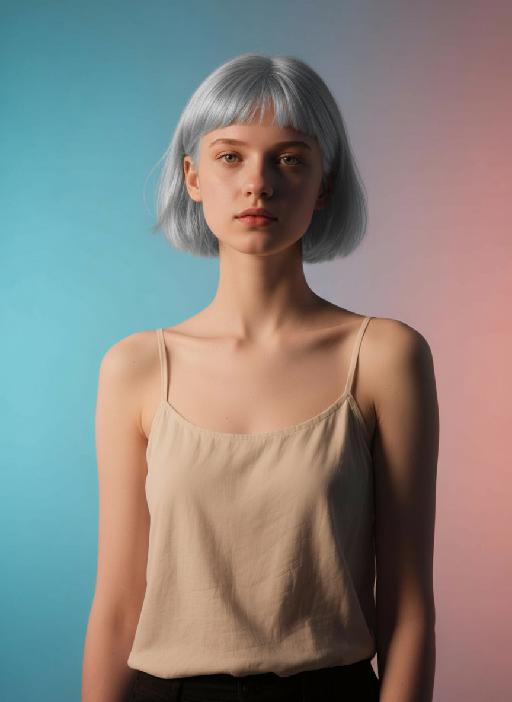
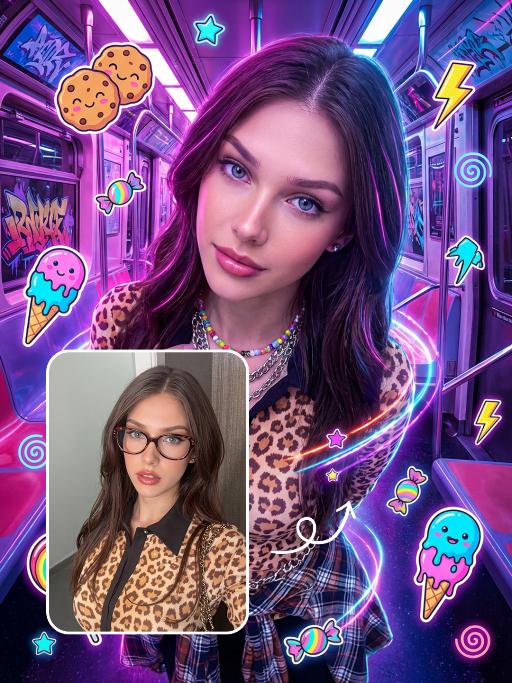
Halloween Makeup

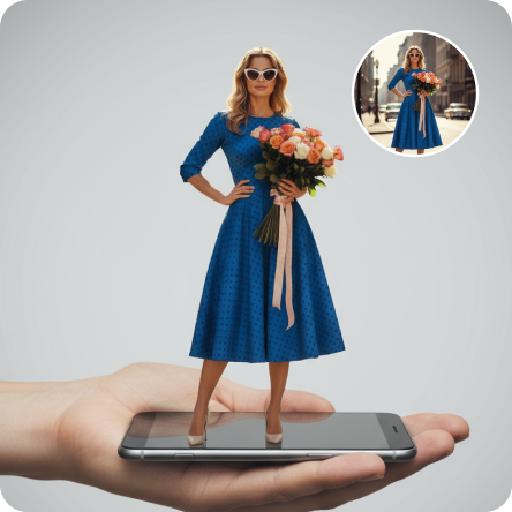
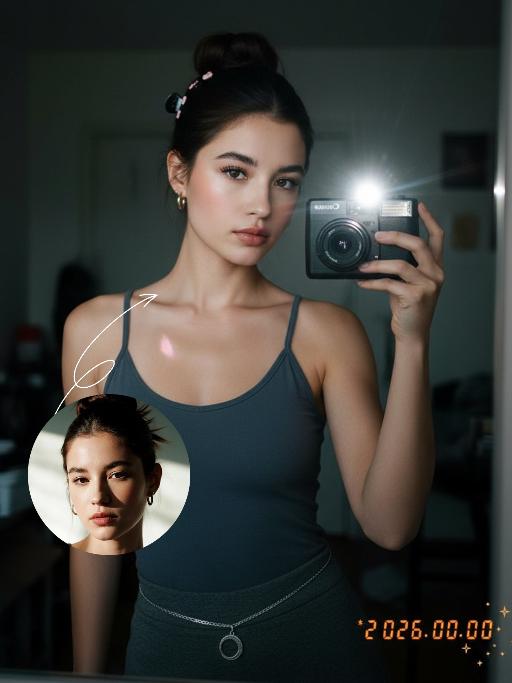
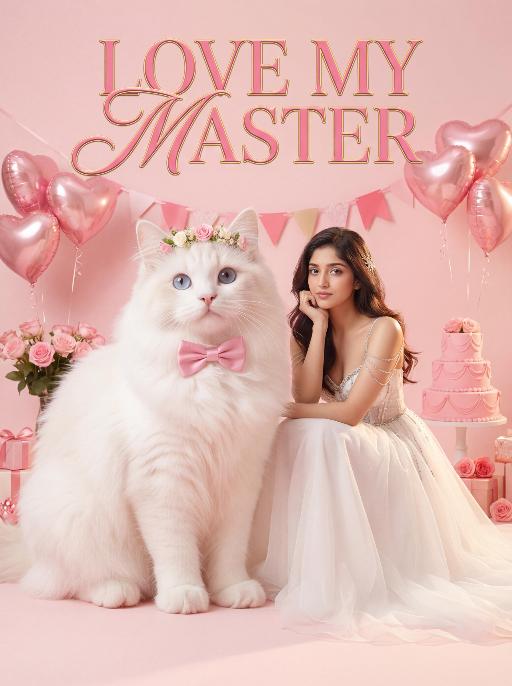
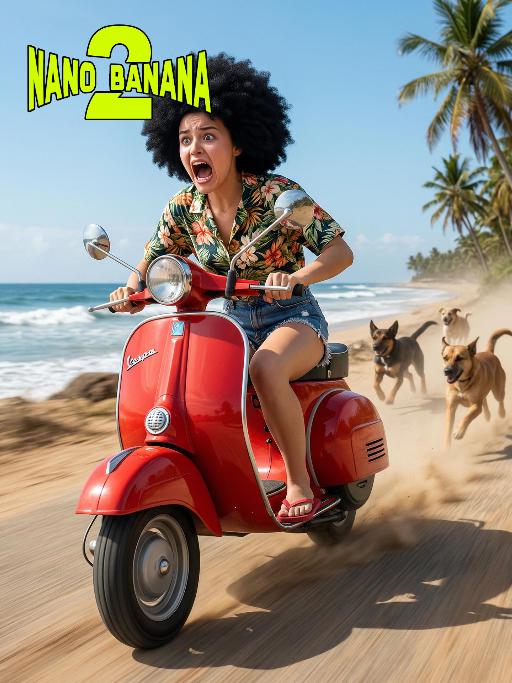
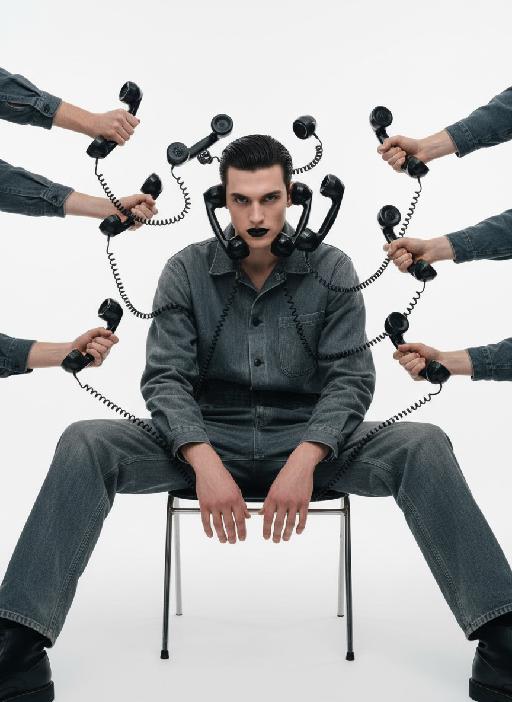
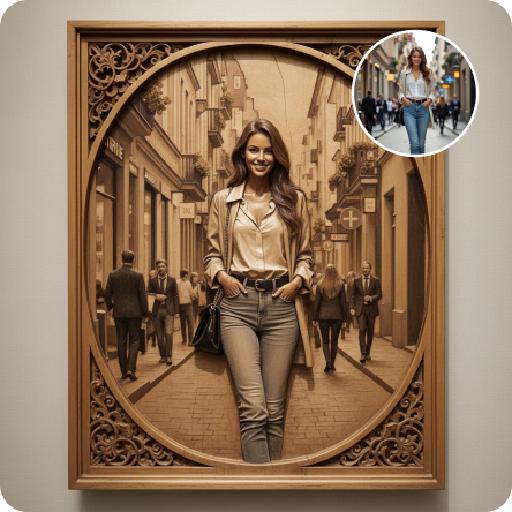
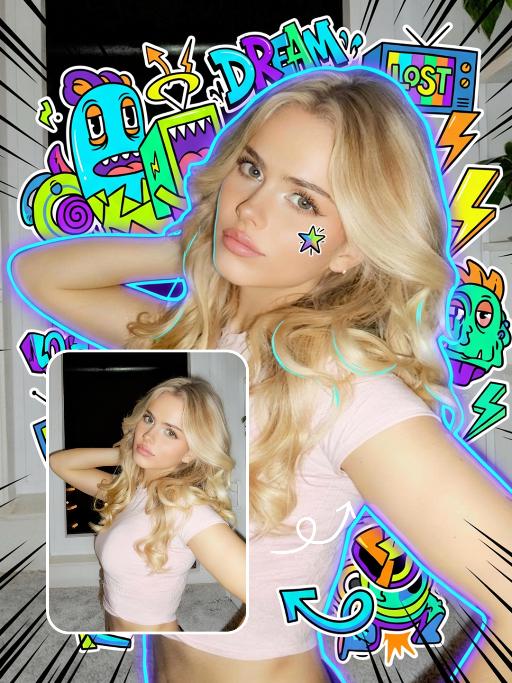
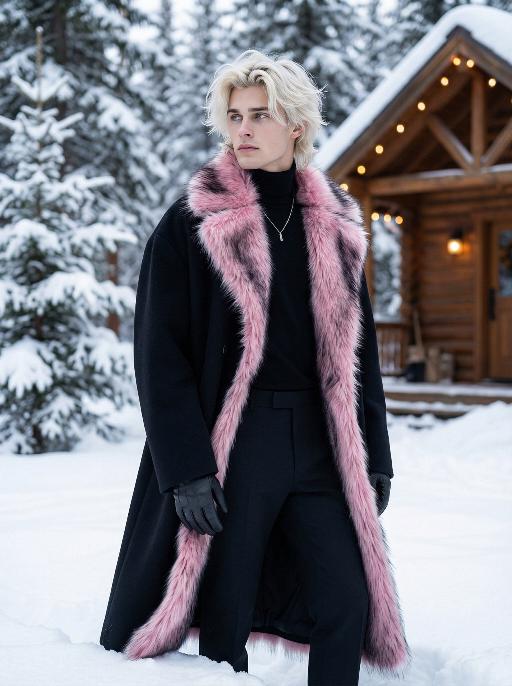
Generate terrifying AI Halloween makeup in seconds! Zombie, vampire, monster looks - no skills needed. Vivago.ai's AI effects create scary cosmetic transformations, FX wounds & monster looks instantly. Try our AI effect editing tools for professional, frightening results.

Use Template
arrow

FAQs

What are Effect Templates?

Effect Templates are predefined AI workflows that automatically transform static images into specific visual styles or animated formats, delivering consistent, high-quality results without manual adjustments.

How do I apply Effect Templates?

Select your preferred template > Upload an image > Generate. No text prompts required - templates handle all style parameters.

Where can I find more templates?

Explore 1000+ curated templates in our Explore Hub: https://vivago.ai/studio. New templates added weekly across categories.

What's the pricing?

Daily login grants 100 free credits. Exhausted credits? Choose: 1) Subscribe a membership plan, 2) Get a credit pack. Details: https://vivago.ai/subscribe

More From VIVAGO AI

Rio Nightfall AI effects generated image

Rio Nightfall

Use the exact same facial features, gender, and age as the uploaded image. Photorealistic half-body portrait, Rio de Janeiro night city atmosphere, tropical urban male charm, sexy and relaxed vibe. Setting: rooftop terrace with mountain and sea views, coastline skyline, city high-rise balcony, dusk to blue hour. Outfit: dark shirt in deep green, navy blue or burgundy, two buttons unbuttoned, lightweight linen trousers, thin chain necklace. Details: clothes gently blown by breeze, relaxed posture, natural sexy temperament of Brazilian male. Lighting: sunset orange-gold and blue sky contrast, or night cool blue with warm skin tones, city light bokeh in background. Composition: half-body close-up, blurred background, centered composition, shallow depth of field. Style: high detail, realistic skin texture, cinematic lighting, 8K ultra-realistic, no text or watermarks.

Pet Samba

Medium shot close-up: In the uploaded photo (while maintaining the facial features, gender, age and species of the person in the uploaded image, and setting the background as a beach scene in Brazil), the main figure presents a super cute anthropomorphic standing posture (with the front two paws raised and the back two legs standing). Accessories: Beach attire in the style of the Brazilian Carnival: Wearing a cute bikini top and a short skirt, with a colorful feather headdress on the head (green and yellow), and a garland around the neck (yellow hibiscus and white flowers); Scene: The scene of a tropical Brazilian beach: - Underfoot is the golden fine sand, the azure waves gently lapping against the shore. In the distance, the palm trees sway in the gentle breeze. Soft white clouds float in the blue sky. In the warm afternoon, the golden sunlight gently falls on the river otters and the beach. Style and lighting: Vivid and cheerful color combination (main colors are yellow, green, blue, and orange), 8K high resolution, highlighting the main subject, shallow depth of field to blur the background of the beach; Composition: Medium shot. The main figure is centered in the frame, wearing small slippers on their feet, which match the color scheme of the clothing."

Journalist AI effects generated image

Journalist

Masterpiece, ultra-realistic 8K images, with extremely rich details. The picture is clear and sharp. The main figure in the picture is the person from the uploaded image (with unchanged facial features, gender and age). The image shows the image of a reporter wearing modern rectangular sunglasses, wearing a dark gray suit jacket, a white collar shirt neatly and stably, holding a vintage news passbook, breaking out from a jagged gap at the "Major News" section of the newspaper cover. The realistic orange-yellow flames lick the charred edges of the newspaper, the floating ashes, presenting a dramatic cinematic contrast effect, a melancholic and urgent aesthetic style, a cinematic news documentary style, shallow depth of field effect, a black empty background, rich details on the newspaper (titles such as "Emergency Report", "Exclusive News", "Amazing Progress"), dynamic composition, professional news photography.

Lolita

Overhead shot: This is a realistic photographic image. The figure is a beautiful woman (her original facial features, gender and age are all preserved), she plays the role of an anime princess with pink hair, wearing a white rabbit ear on her head, sitting on a luxurious white floor, slightly leaning forward, one hand naturally resting on her leg, and the other hand holding a small and elegant pink and white decorated cream cake and passing it towards the camera. She looks straight at the camera, with a charming and playful expression on her face, her makeup is exquisite, there are teardrop-shaped decorations around her eyes, her lips are full and shiny, wearing a pink and white gradient style Lolita dress, with a deep V-neck (revealing the full chest lines), multiple layers of transparent tulle and ruffles, white stockings paired with bows, and wearing a pearl necklace and heart-shaped earrings. Around her is a luxurious European room, equipped with exquisite furniture, soft and warm lighting, dreamy blur effect, lens flare, flicker and flash effect, elegant color combination, ultra-fine details, 8K resolution, hyper-realistic style, all of which were captured by a 50mm f/1 digital single-lens reflex camera.

Hollywood Star AI effects generated image

Hollywood Star

A medium close-up shot from a frontal perspective with a slight upward tilt, the camera angle is slightly tilted forward. This shot was taken using a professional full-frame digital SLR camera and a 50mm f/1.2 wide-angle fixed-focus lens. The uploaded image shows a person (with unchanged facial features, gender, age, and hairstyle), wearing a tight black sequined sexy dress and wearing high-end custom accessories. This figure is preparing to get into a black luxury car with open doors. The figure turns halfway and looks at the camera, raising one hand and making a gentle waving or shielding gesture. The person has a relaxed and confident smile on their face, with bright and expressive eyes. The scene is on a night-time city street, illuminated by a group of paparazzi and a large number of flashes, creating a high-contrast light and shadow effect, with shadows and bright highlights, and the foreground also includes cameras and flashes, creating the feeling that the celebrity figure is surrounded by paparazzi and cameras. This aesthetic style is the street style of Hollywood celebrity paparazzi, featuring grainy film texture, clear focus on the subject, blurred background and dark tones. The person's face is illuminated by the flash, and the makeup characteristic of the figure is exaggerated false eyelashes, clear cheekbones, nude matte lip color and bright highlights used to enhance the three-dimensionality; the picture adds dark corners at the four corners and bright parts in the middle, creating a strong contrast between light and shadow.

Street Carnival AI effects generated image

Street Carnival

The character in the uploaded picture (unchanged facial features, gender and age). Avant-garde portrait photography of a young Brazilian Carnival dancer, sharp focus on the subject, front-facing dynamic pose. has short wavy dark hair, warm brown eyes, and a genuine, joyful smile with visible teeth. wears an opulent Carnival costume: a towering, structured headdress crafted with layered iridescent teal, vivid tangerine, and sunflower yellow feathers, accented with polished gold metalwork and teal gemstone inlays. outfit features a form-fitting teal satin crop top with gold filigree trim, matching teal feather fringe mini skirt with gold hardware, and gold arm cuffs with teal bead detailing. Captured mid-dance on a sun-drenched Rio de Janeiro street during Carnival, one arm extended outward, the other bent at the elbow in a lively gesture. The background is heavily stylized with experimental shallow depth of field—blurred Carnival revellers in colorful costumes and festive street decorations create an abstract, textured backdrop. Pioneering photographic techniques: high-contrast natural daylight, bold color grading, hard directional light casting dramatic shadows, film grain texture, 35mm prime lens, f/1.4 aperture. The overall style is edgy, high-fashion avant-garde portraiture, ultra-detailed, 8K resolution, museum-quality, raw photographic aesthetic.

Load more

Next-Gen Multi-Model AI Video Architecture

Vivago AI isn't just one engine—it’s a unified hub for the world’s most advanced video AI. Whether you need cinematic realism or high-speed social content, we provide the right model for your creative vision.

Free Generate

Beauty and Dolphins

Vacation Time

Stellar Tear

Fish Tank Supervisor

Cinematic Quality & Precision Control

Enables 4K resolution with multi-lens motion control, generating delicate scene via text prompts for customized cinematography.​

TRY NOW

Dynamic AV Sync

Auto-generates original audio to avoid copyright issues. Build 3D immersive environments through layered sound design automatically.

TRY NOW

OpenAI Sora 2

​Advanced visual storytelling with unparalleled physics and consistency.

TRY NOW

Kling v2.6 Pro

Industry-leading cinematic image animation and motion control.

TRY NOW

Google Veo 3 & 3.1

Ultra-fast generation with enhanced realism for creative workflows.

TRY NOW

Vivago AI 2.0

Our proprietary model optimized for efficiency, speed, and cost-effective generation.

TRY NOW

Users' Voice

We listen carefully to the opinions of every user.
Free Generate
Contact Us
I tried the Lip Sync feature inside Vivago.ai’s AI Video Generator for my educational podcast, and the results were stunning! The avatar's lip movements perfectly matched my audio recording, creating a professional AI-generated video without complex editing. Compared with tools like OpenAI Sora 2 and Google Veo 3.1, Vivago Image-to-Video delivers fast, studio-quality results online. It saved me hours of post-production work.
ElenaM (Spain)
Vivago’s Image-to-Video AI transformed my marketing workflow. I uploaded a product image and described the launch scene in text, and it generated a 10-second cinematic AI video with background music and dynamic visuals. The output quality rivals Kling v2.6 Pro and Google Veo 3 Fast. It’s now my go-to AI video generator for social media ads and product campaigns.
KenjiT (Japan)
As a digital artist, I use Vivago.ai 2.0 daily for Image-to-Image and AI Image-to-Video creation. The e-book covers and animated visuals I generate for clients look cinematic and professional. Unlike many standalone AI tools, Vivago integrates multiple leading models into one platform, making it easier to create copyright-safe AI images and videos for publishing.
ChenL (China)
I tried the Lip Sync feature inside Vivago.ai’s AI Video Generator for my educational podcast, and the results were stunning! The avatar's lip movements perfectly matched my audio recording, creating a professional AI-generated video without complex editing. Compared with tools like OpenAI Sora 2 and Google Veo 3.1, Vivago Image-to-Video delivers fast, studio-quality results online. It saved me hours of post-production work.
ElenaM (Spain)
Vivago’s Image-to-Video AI transformed my marketing workflow. I uploaded a product image and described the launch scene in text, and it generated a 10-second cinematic AI video with background music and dynamic visuals. The output quality rivals Kling v2.6 Pro and Google Veo 3 Fast. It’s now my go-to AI video generator for social media ads and product campaigns.
KenjiT (Japan)
As a digital artist, I use Vivago.ai 2.0 daily for Image-to-Image and AI Image-to-Video creation. The e-book covers and animated visuals I generate for clients look cinematic and professional. Unlike many standalone AI tools, Vivago integrates multiple leading models into one platform, making it easier to create copyright-safe AI images and videos for publishing.
ChenL (China)
I absolutely love Vivago’s AI Image-to-Video Generator. As a travel blogger, static images often fail to capture real atmosphere, but Vivago helps me turn photos into vivid cinematic AI videos with motion effects. It feels comparable to OpenAI Sora 2 and Google Veo 3.1, but more accessible and faster for creators who need high-quality AI videos online.
LiamK (Australia)
I tried the Lip Sync feature inside Vivago.ai’s AI Video Generator for my educational podcast, and the results were stunning! The avatar's lip movements perfectly matched my audio recording, creating a professional AI-generated video without complex editing. Compared with tools like OpenAI Sora 2 and Google Veo 3.1, Vivago Image-to-Video delivers fast, studio-quality results online. It saved me hours of post-production work.
ElenaM (Spain)
Vivago’s Image-to-Video AI transformed my marketing workflow. I uploaded a product image and described the launch scene in text, and it generated a 10-second cinematic AI video with background music and dynamic visuals. The output quality rivals Kling v2.6 Pro and Google Veo 3 Fast. It’s now my go-to AI video generator for social media ads and product campaigns.
KenjiT (Japan)
As a digital artist, I use Vivago.ai 2.0 daily for Image-to-Image and AI Image-to-Video creation. The e-book covers and animated visuals I generate for clients look cinematic and professional. Unlike many standalone AI tools, Vivago integrates multiple leading models into one platform, making it easier to create copyright-safe AI images and videos for publishing.
ChenL (China)
I absolutely love Vivago’s AI Image-to-Video Generator. As a travel blogger, static images often fail to capture real atmosphere, but Vivago helps me turn photos into vivid cinematic AI videos with motion effects. It feels comparable to OpenAI Sora 2 and Google Veo 3.1, but more accessible and faster for creators who need high-quality AI videos online.
LiamK (Australia)
Using Vivago.ai’s Image-to-Video AI has greatly enhanced my classroom teaching. I transform textbook notes into historical AI videos with cinematic filters and dynamic animations. Compared with tools like Kling v2.6 Pro and Google Veo 3 Fast, Vivago offers faster generation and easier parameter control for educators who need reliable AI video creation.
RajivG (India)
I frequently create AI videos on Vivago and publish them on TikTok and YouTube Shorts. The AI video templates and trending content ideas help me produce viral-ready clips quickly. With Vivago’s integrated models—including advanced video engines similar to OpenAI Sora 2—I can generate anime-style and cinematic social media videos that drive high engagement.
MarieJ (Spain)
What attracts me most about Vivago.ai is not only the powerful AI Video Generator but also the active AIGC creator community. It combines AI Image-to-Video, Text-to-Video, and leading model integrations like Google Veo 3.1 into one creative platform.
TomW (India)
At first, I was hesitant about using AI video tools. But after trying Vivago Image-to-Video, I realized how easy it is to create professional AI-generated videos online. I just upload an image, add a short prompt, and adjust a few settings. The results are cinematic and copyright-safe, which is essential for commercial projects.
HectorC (Mexico)
Using Vivago.ai’s Image-to-Video AI has greatly enhanced my classroom teaching. I transform textbook notes into historical AI videos with cinematic filters and dynamic animations. Compared with tools like Kling v2.6 Pro and Google Veo 3 Fast, Vivago offers faster generation and easier parameter control for educators who need reliable AI video creation.
RajivG (India)
I frequently create AI videos on Vivago and publish them on TikTok and YouTube Shorts. The AI video templates and trending content ideas help me produce viral-ready clips quickly. With Vivago’s integrated models—including advanced video engines similar to OpenAI Sora 2—I can generate anime-style and cinematic social media videos that drive high engagement.
MarieJ (Spain)
What attracts me most about Vivago.ai is not only the powerful AI Video Generator but also the active AIGC creator community. It combines AI Image-to-Video, Text-to-Video, and leading model integrations like Google Veo 3.1 into one creative platform.
TomW (India)
At first, I was hesitant about using AI video tools. But after trying Vivago Image-to-Video, I realized how easy it is to create professional AI-generated videos online. I just upload an image, add a short prompt, and adjust a few settings. The results are cinematic and copyright-safe, which is essential for commercial projects.
HectorC (Mexico)