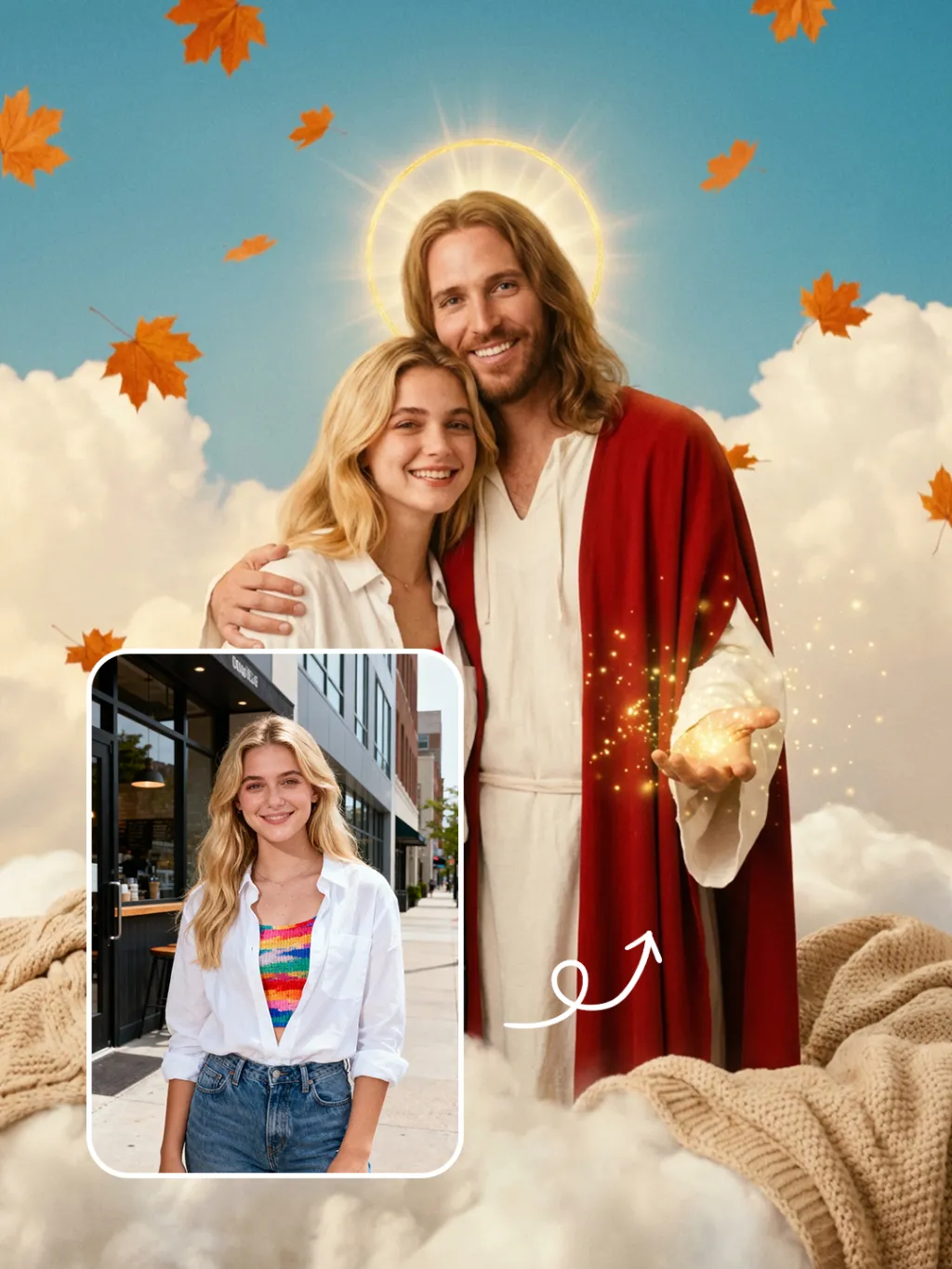
Embracing God

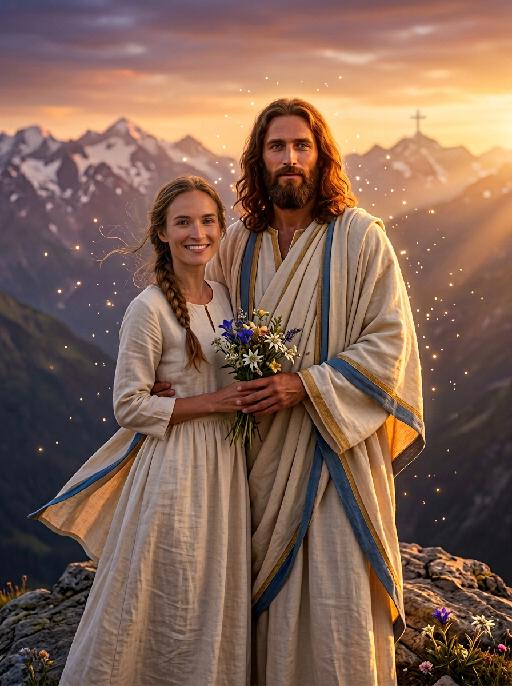
Ensure that the features and clothing of the characters in the scene remain unchanged. Create a scene where a male figure resembling Jesus (with light brown long hair, a smiling expression, a white loose robe, a red long cape, and a golden halo on his head) is embracing the person in the picture. The right hand gently holds the person, while the palm of the left hand is filled with shining golden magical particles. The scene below: White clouds are covered with light brown knitted blankets; orange maple leaves are falling in the azure sky; the texture of the film poster, bright and warm colors; soft background light, uniform illumination; a warm and comforting feeling with a healing effect.

Use Template
arrow
Embracing God

More From VIVAGO AI

Image to Video

"The scene begins with a medium or close-up shot, clearly revealing the subject(s) from the image standing and dancing within the frame.\nAs the camera slowly pulls back, the full bodies of all the animals are gradually revealed. At the same time, they all stand upright and are dressed in bunny-girl-inspired outfits.\nThey begin to dance in an anthropomorphic manner: standing on two legs with their front paws placed on their hips, elegantly swaying their hips from side to side with a soft, subtly seductive rhythm. Their facial expressions are lively and playful, maintaining direct eye contact with the camera, accompanied by slight nods or head tilts to enhance the sense of interaction with the viewer.\nAll animals wear coordinated bunny-girl-themed costumes (with possible slight variations in color and details), which include:\nA form-fitting, waist-cinching bunny-style corset\nA veil or bunny ear accessory worn on the head\nA light, sheer scarf tied around the waist that flutters naturally with their dance movements\nNote:\nThe exact number of subjects must be determined based on the uploaded image.\nThe subject count could be one or multiple—please identify the precise number and use it clearly in the description."

Darkroom Flash AI effects generated image

Darkroom Flash

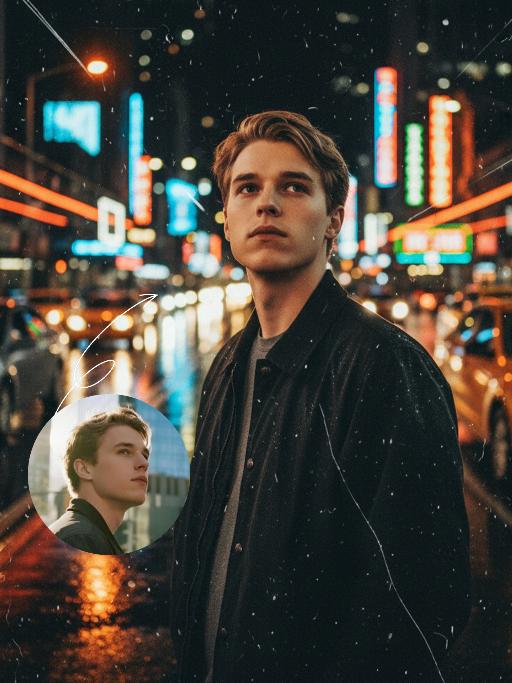
Subject & Makeup: The figure from the uploaded image (unchanged facial features) with a cold and natural expression and a light, translucent makeup look; Shooting & Atmosphere: soft pink blush on the apples of the cheeks, nude pink lip gloss, long and curled false eyelashes, natural eyebrow shape; taking a selfie with a Canon retro point-and-shoot camera, with the camera’s flash shining directly into the lens (creating a distinct white lens flare), shot from a selfie perspective in front of an indoor mirror; a dim everyday room background (blurred furniture and decorations), a relaxed edgy-sweet portrait style, dark natural color tones, film photography texture, a retro natural film filter and film grain; Detail Embellishments: add an orange digital date watermark (2026.00.00) plus a small starburst decoration at the bottom right corner.

Snowfield

In the night snow, the figure from the uploaded image retains their original facial features and sits on the snow, wearing a sweater with white patterns, a red scarf, fluffy fleece pants and snow boots, holding a lit, sparkling handheld sparkler. The words "Hello 2026" are written in the snow. In the background, there are soft, blurred warm bokeh lights and blooming fireworks. The atmosphere is warm and healing, with a gentle light contrast between the cool blue-and-white snow scene and the warm sparks. Boasting rich details, the figure’s face is in sharp focus with natural shadows and realistic textures, exuding a sophisticated artistic photography aesthetic. Captured with an ultra-high-definition camera, the image features artistic photography styling, with the figure’s skin naturally retouched for a delicate finish. The shot is taken from a top-down perspective, with a full-screen realistic snowfall effect.

Sunny Smile AI effects generated image

Sunny Smile

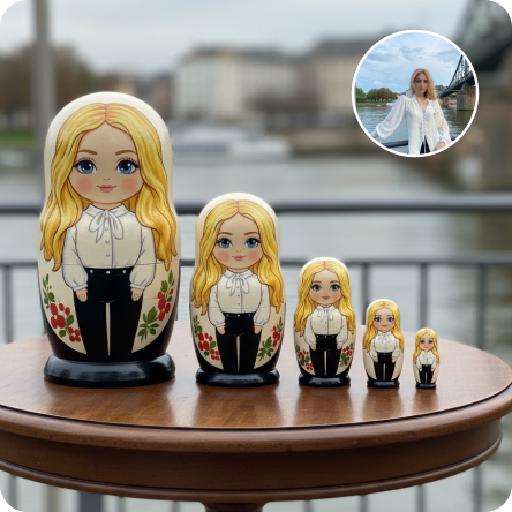
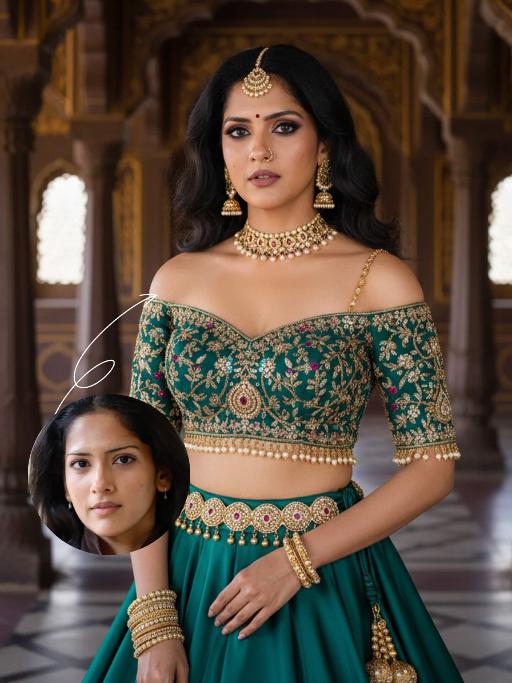
Strictly lock the facial features of the uploaded portrait (completely preserve facial contours, native skin tone, hairstyle and age). From a high-angle, tilted perspective, a young and sweet East Asian woman sits sideways on a dark wooden tile roof, her left hand resting gently on her cheek with her elbow naturally propped up, her body relaxed and slightly reclined. She wears a bright, healing smile, with bright eyes full of warmth and joy. On her head is a Miao headdress adorned with small white flowers and silver ornaments, and she has multi-layered Miao silver earrings and a collar. She is dressed in a light green wide-sleeved Miao top decorated with black geometric patterns, paired with a yellow-green gradient pleated skirt, and a silver bracelet on her wrist. The background features dense dark green mountains and ancient wooden buildings in the distance. The image is shot against the light, with golden sunlight slanting from behind the figure, creating a soft halo and glowing hair effect. The overall effect is a high-definition portrait photograph with warm and gentle tones, exuding a healing ethnic atmosphere.

Load more

Next-Gen Multi-Model AI Video Architecture

Vivago AI isn't just one engine—it’s a unified hub for the world’s most advanced video AI. Whether you need cinematic realism or high-speed social content, we provide the right model for your creative vision.

Free Generate

Beauty and Dolphins

Vacation Time

Stellar Tear

Fish Tank Supervisor

Cinematic Quality & Precision Control

Enables 4K resolution with multi-lens motion control, generating delicate scene via text prompts for customized cinematography.​

TRY NOW

Dynamic AV Sync

Auto-generates original audio to avoid copyright issues. Build 3D immersive environments through layered sound design automatically.

TRY NOW

OpenAI Sora 2

​Advanced visual storytelling with unparalleled physics and consistency.

TRY NOW

Kling v2.6 Pro

Industry-leading cinematic image animation and motion control.

TRY NOW

Google Veo 3 & 3.1

Ultra-fast generation with enhanced realism for creative workflows.

TRY NOW

Vivago AI 2.0

Our proprietary model optimized for efficiency, speed, and cost-effective generation.

TRY NOW

Users' Voice

We listen carefully to the opinions of every user.
Free Generate
Contact Us
I tried the Lip Sync feature inside Vivago.ai’s AI Video Generator for my educational podcast, and the results were stunning! The avatar's lip movements perfectly matched my audio recording, creating a professional AI-generated video without complex editing. Compared with tools like OpenAI Sora 2 and Google Veo 3.1, Vivago Image-to-Video delivers fast, studio-quality results online. It saved me hours of post-production work.
ElenaM (Spain)
Vivago’s Image-to-Video AI transformed my marketing workflow. I uploaded a product image and described the launch scene in text, and it generated a 10-second cinematic AI video with background music and dynamic visuals. The output quality rivals Kling v2.6 Pro and Google Veo 3 Fast. It’s now my go-to AI video generator for social media ads and product campaigns.
KenjiT (Japan)
As a digital artist, I use Vivago.ai 2.0 daily for Image-to-Image and AI Image-to-Video creation. The e-book covers and animated visuals I generate for clients look cinematic and professional. Unlike many standalone AI tools, Vivago integrates multiple leading models into one platform, making it easier to create copyright-safe AI images and videos for publishing.
ChenL (China)
I tried the Lip Sync feature inside Vivago.ai’s AI Video Generator for my educational podcast, and the results were stunning! The avatar's lip movements perfectly matched my audio recording, creating a professional AI-generated video without complex editing. Compared with tools like OpenAI Sora 2 and Google Veo 3.1, Vivago Image-to-Video delivers fast, studio-quality results online. It saved me hours of post-production work.
ElenaM (Spain)
Vivago’s Image-to-Video AI transformed my marketing workflow. I uploaded a product image and described the launch scene in text, and it generated a 10-second cinematic AI video with background music and dynamic visuals. The output quality rivals Kling v2.6 Pro and Google Veo 3 Fast. It’s now my go-to AI video generator for social media ads and product campaigns.
KenjiT (Japan)
As a digital artist, I use Vivago.ai 2.0 daily for Image-to-Image and AI Image-to-Video creation. The e-book covers and animated visuals I generate for clients look cinematic and professional. Unlike many standalone AI tools, Vivago integrates multiple leading models into one platform, making it easier to create copyright-safe AI images and videos for publishing.
ChenL (China)
I absolutely love Vivago’s AI Image-to-Video Generator. As a travel blogger, static images often fail to capture real atmosphere, but Vivago helps me turn photos into vivid cinematic AI videos with motion effects. It feels comparable to OpenAI Sora 2 and Google Veo 3.1, but more accessible and faster for creators who need high-quality AI videos online.
LiamK (Australia)
I tried the Lip Sync feature inside Vivago.ai’s AI Video Generator for my educational podcast, and the results were stunning! The avatar's lip movements perfectly matched my audio recording, creating a professional AI-generated video without complex editing. Compared with tools like OpenAI Sora 2 and Google Veo 3.1, Vivago Image-to-Video delivers fast, studio-quality results online. It saved me hours of post-production work.
ElenaM (Spain)
Vivago’s Image-to-Video AI transformed my marketing workflow. I uploaded a product image and described the launch scene in text, and it generated a 10-second cinematic AI video with background music and dynamic visuals. The output quality rivals Kling v2.6 Pro and Google Veo 3 Fast. It’s now my go-to AI video generator for social media ads and product campaigns.
KenjiT (Japan)
As a digital artist, I use Vivago.ai 2.0 daily for Image-to-Image and AI Image-to-Video creation. The e-book covers and animated visuals I generate for clients look cinematic and professional. Unlike many standalone AI tools, Vivago integrates multiple leading models into one platform, making it easier to create copyright-safe AI images and videos for publishing.
ChenL (China)
I absolutely love Vivago’s AI Image-to-Video Generator. As a travel blogger, static images often fail to capture real atmosphere, but Vivago helps me turn photos into vivid cinematic AI videos with motion effects. It feels comparable to OpenAI Sora 2 and Google Veo 3.1, but more accessible and faster for creators who need high-quality AI videos online.
LiamK (Australia)
Using Vivago.ai’s Image-to-Video AI has greatly enhanced my classroom teaching. I transform textbook notes into historical AI videos with cinematic filters and dynamic animations. Compared with tools like Kling v2.6 Pro and Google Veo 3 Fast, Vivago offers faster generation and easier parameter control for educators who need reliable AI video creation.
RajivG (India)
I frequently create AI videos on Vivago and publish them on TikTok and YouTube Shorts. The AI video templates and trending content ideas help me produce viral-ready clips quickly. With Vivago’s integrated models—including advanced video engines similar to OpenAI Sora 2—I can generate anime-style and cinematic social media videos that drive high engagement.
MarieJ (Spain)
What attracts me most about Vivago.ai is not only the powerful AI Video Generator but also the active AIGC creator community. It combines AI Image-to-Video, Text-to-Video, and leading model integrations like Google Veo 3.1 into one creative platform.
TomW (India)
At first, I was hesitant about using AI video tools. But after trying Vivago Image-to-Video, I realized how easy it is to create professional AI-generated videos online. I just upload an image, add a short prompt, and adjust a few settings. The results are cinematic and copyright-safe, which is essential for commercial projects.
HectorC (Mexico)
Using Vivago.ai’s Image-to-Video AI has greatly enhanced my classroom teaching. I transform textbook notes into historical AI videos with cinematic filters and dynamic animations. Compared with tools like Kling v2.6 Pro and Google Veo 3 Fast, Vivago offers faster generation and easier parameter control for educators who need reliable AI video creation.
RajivG (India)
I frequently create AI videos on Vivago and publish them on TikTok and YouTube Shorts. The AI video templates and trending content ideas help me produce viral-ready clips quickly. With Vivago’s integrated models—including advanced video engines similar to OpenAI Sora 2—I can generate anime-style and cinematic social media videos that drive high engagement.
MarieJ (Spain)
What attracts me most about Vivago.ai is not only the powerful AI Video Generator but also the active AIGC creator community. It combines AI Image-to-Video, Text-to-Video, and leading model integrations like Google Veo 3.1 into one creative platform.
TomW (India)
At first, I was hesitant about using AI video tools. But after trying Vivago Image-to-Video, I realized how easy it is to create professional AI-generated videos online. I just upload an image, add a short prompt, and adjust a few settings. The results are cinematic and copyright-safe, which is essential for commercial projects.
HectorC (Mexico)